
Learning Phoenix with Catalina
Everyone Starts Somewhere follows Catalina in the process of learning Phoenix Restoration & Color from the ground up. With a background in film preservation and digitisation, she’s documenting the real-world challenges, discoveries and milestones of becoming a digital restoration artist. Whether you’re just starting out or refining your skills, we hope her experiences inspire you to begin (or continue) your own journey.
Download the free Phoenix trial today to get hands-on experience with the same professional tools used by archives, post-production facilities and restoration specialists around the world.
Catalina’s articles will hopefully give you a head-start – you can also Ask Juno for guidance on using Phoenix – Juno’s always there for 24/7 global support, any language, any time!
And you can follow Catalina in Pocket Films, alongside a host of global Providers who make films happen.
Phoenix Restoration – Cleaning part 3
Hi there! Today I want to dive deeper into the cleaning step. One thing I keep learning is that there isn’t just one way to do it — you can combine and order these tools in several different ways, depending on the footage. This is what I did this time.
To summarise,I did a first auto pass of DVO Dry Clean with light settings, to remove constant tiny distracting spots. Then I did a first manual cleaning pass using Spanish Dry Clean + DVO Fix, toggling between them whenever I needed to.
After that, I created another video track and added another DVO Dry Clean, this time to attack some very specific white spots in particular shots. I used it as a manual pass, since it was set up only for tiny white spots in selected shots.
Second pass of auto DVO Dry Clean (bright dust only)
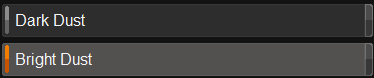
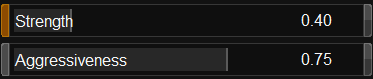
This particular shot has a lot of white spots and marks. So, in the settings, I deactivated Dark Dust. I left the Strength not very high and raised the Temporal Safety, which is my ally while working with material that has so much movement.

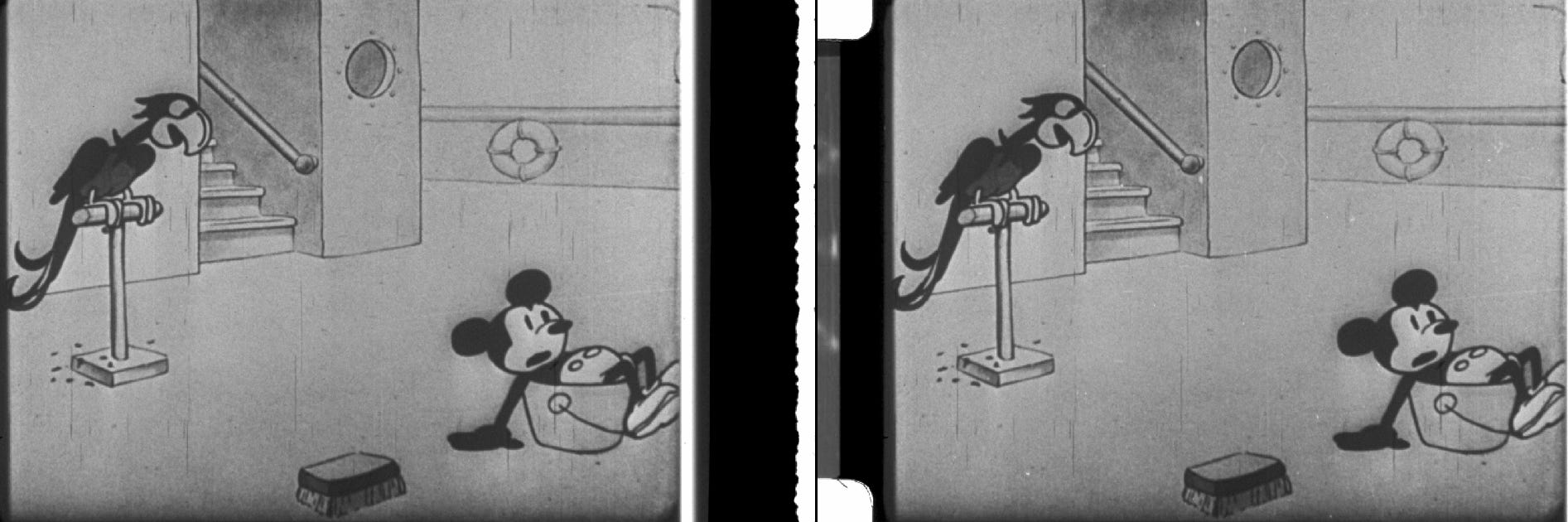
And here are some stills of comparison.
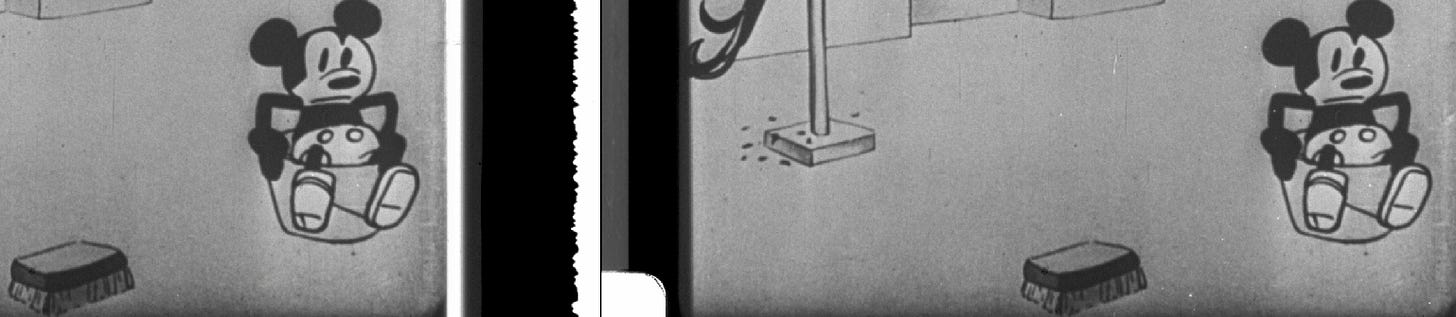
As I said before, this second pass was occasional — depending on the footage, you could also do a first auto pass for black dust and a second one for white ones. This can be practical in films that clearly have both types of spots very defined.
Second pass of manual cleaning
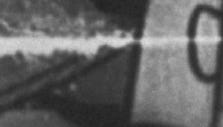
This second pass of manual cleaning was for difficult things I couldn’t get with Spanish Dry Clean and DVO Fix. For example, some tears or bad splices where information was missing.
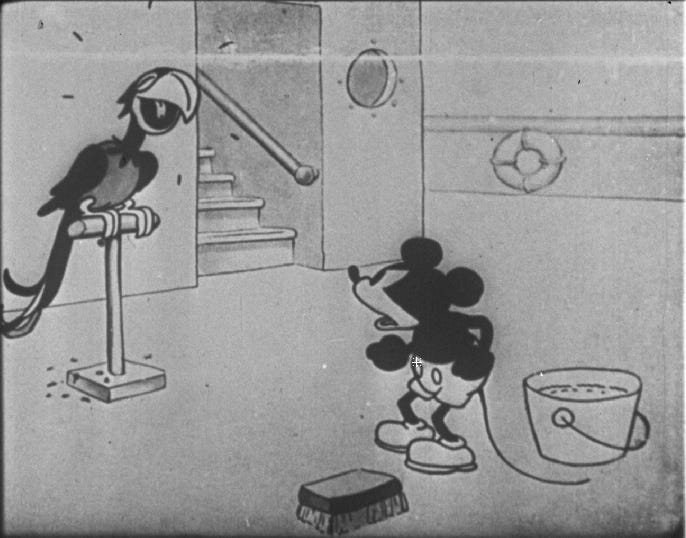
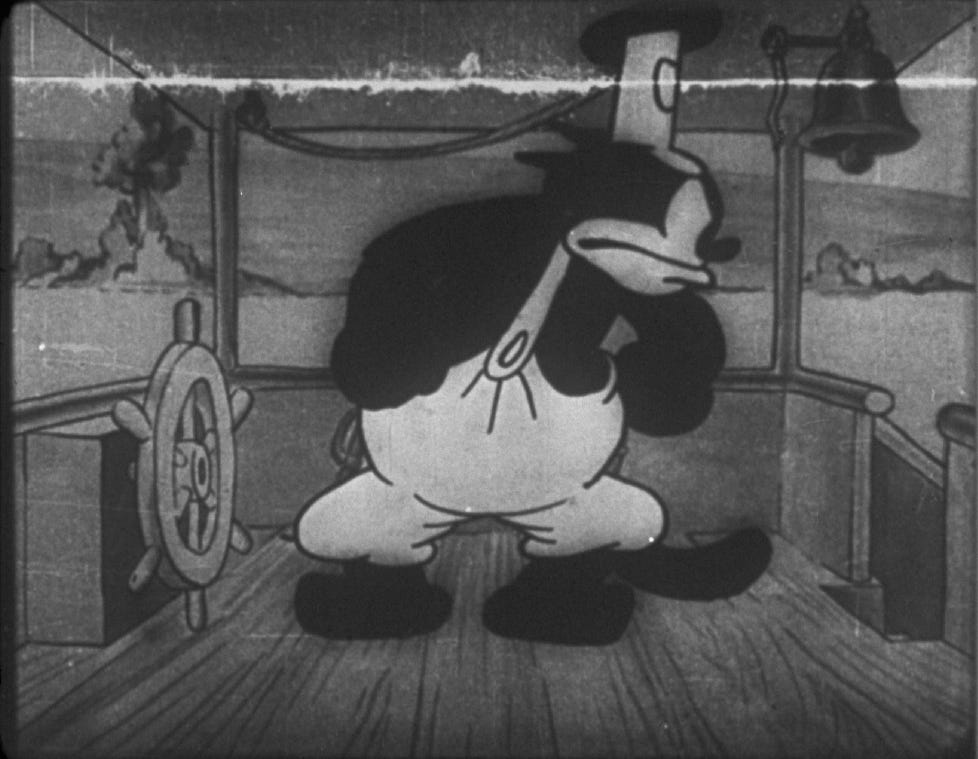
I added a new video track and a new adjustment layer. Here I used DVO Frame, which is a frame reconstruction tool designed to address missing or severely damaged frames. I was taught to use it in reverse, to turn it into another manual tool — the same concept as Spanish Dry Clean.
If you apply DVO Frame normally, it reconstructs the whole frame. By default, its Matte Paint comes inverted — this is meant to work like a history brush, so you can paint over any part of the reconstruction you don’t like and undo it. But if you invert it back (so it’s no longer inverted), painting does the opposite: instead of undoing, it now applies the effect only where you paint, leaving the rest of the frame untouched.
Matte Paint

This way, instead of reconstructing the whole frame, you can fix just a specific spot — a tear, a bad splice — exactly like with Spanish Dry Clean. To do this, you also need to activate Refill in DVO Frame; without it, you won’t see the tool do anything.
DVO Frame

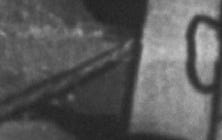
Here, there are some before and after. Remember, after is the one at the left 😉
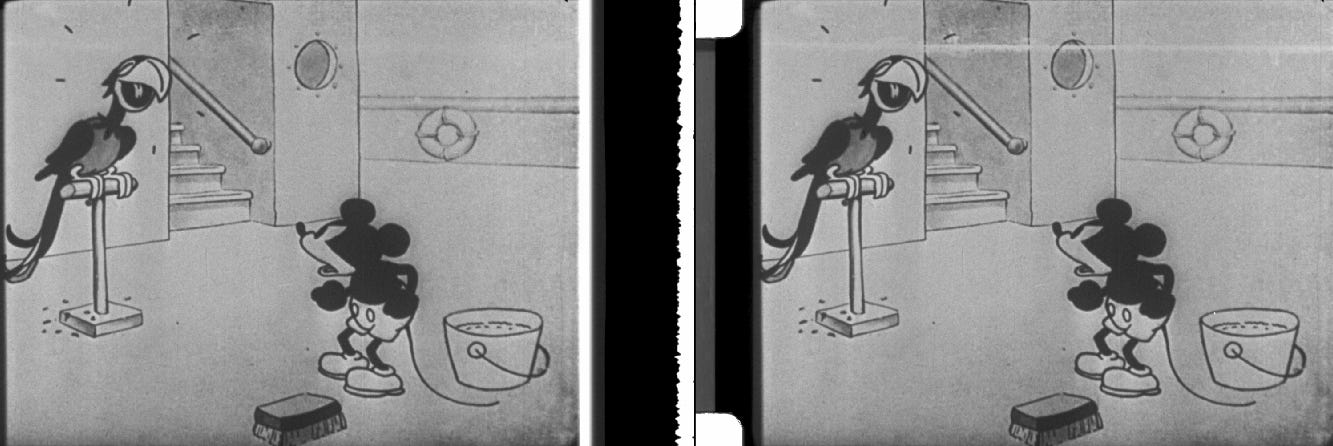
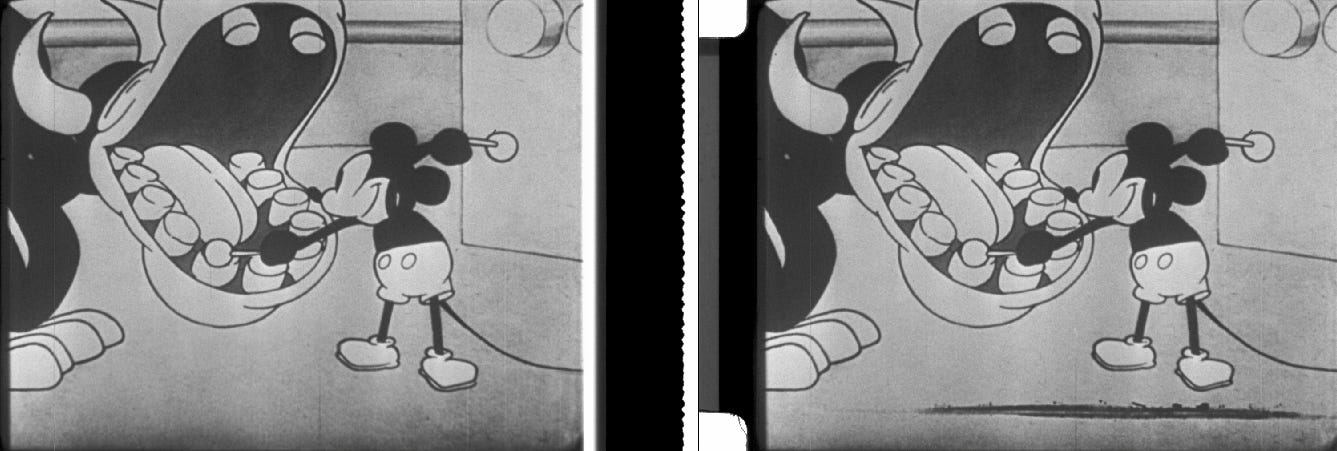
I want to close by saying that much more experienced professionals will probably have better approaches than mine — that comes with experience working across different films. For next time, I’m thinking of trying other combinations, like doing two passes of DVO Dry Clean (one for black dust, one for bright if needed), or putting together Spanish Dry Clean + DVO Fix + DVO Frame all at once, as I was taught, instead of doing each one separately.
If you want to share some of your cleaning tips, drop me a line — I’ll be more than happy to read it. Next, it will be time to face scratches!
See you in the next one,
C.
Here are some useful links: Fabio Bedoya’s tutorial on Spanish Dry Clean (and Spanish DVO in general), and the DVO Frame user guide.